Prompt playbook
Ozil Goal AI Prompt: Copy, Customize and Fix Your Clip
A useful Ozil goal AI prompt describes the entire move, not just a footballer scoring. Start with one player and one ball, then specify the keeper, the change of direction and the finish. Copy either version below into a video tool that accepts a reference photo and written instructions.
- By the Ozil AI editorial team
- Updated October 25, 2026
- 6 min read
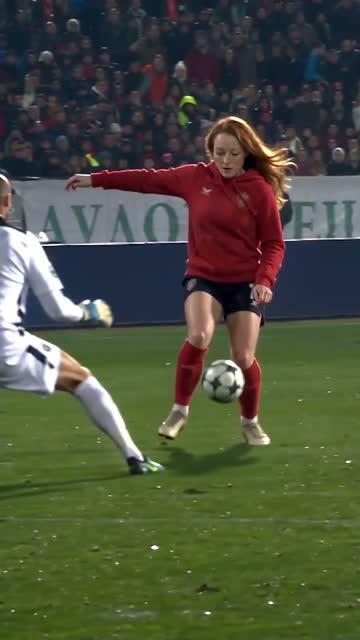
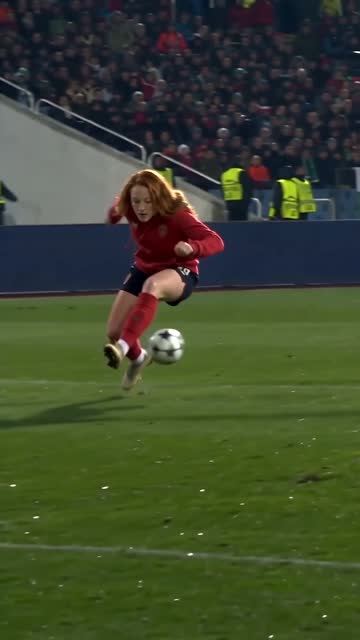
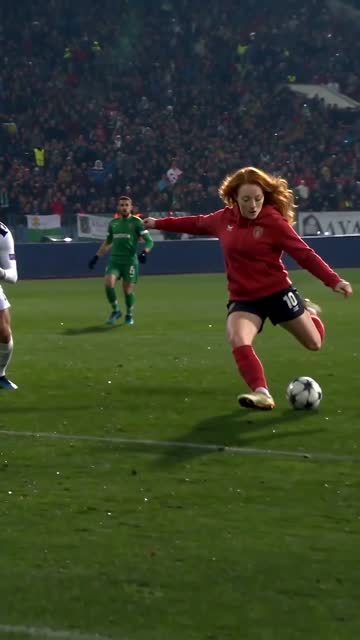
These prompts are for tools with a custom prompt input. The studio on this site uses a selected goal template and currently creates an 15-second clip for 10 credits; there is no prompt to paste into that workflow.
Copy the compact Ozil goal AI prompt
The compact version gives the scene one job: complete the recognizable keeper-to-defenders-to-net sequence while keeping the person in the photo recognizable. Use it as a first attempt before adding stadium details, lighting effects or an elaborate celebration. You will learn more from one readable action than from a busy clip with no visible finish.
Upload your reference photo where your chosen tool expects it. The words “reference photo” in a prompt do not attach an image by themselves. If the tool has separate duration or aspect ratio controls, set those deliberately instead of relying on a sentence to override them.
Create a realistic football goal sequence starring the person in the reference photo. Keep the same recognizable face and clothing throughout. One player controls one ball, runs towards the goal, lifts the ball past the advancing goalkeeper, collects it beyond the keeper, changes direction as two recovering defenders slide past, then calmly taps it into the open net. Show the final touch and the ball crossing the line. Continuous shot, natural body movement, stable pitch and goal, no extra balls, no cuts, no captions.
Use the detailed version when the action gets skipped
Use this version when a result jumps straight from the approach to a celebration or shows a spectacular touch without a goal. It separates the scene into visible beats while keeping one continuous camera view. The sequence is an instruction, not a guarantee of exact timing or perfectly reproduced match footage.
For a short clip, keep the approach brief and reserve the ending for the final touch. If your chosen tool cannot fit every beat into its selected duration, simplify the defender movement or use a supported longer duration. Asking for several extra actions inside the same short clip often makes the ending harder to read.
Use the uploaded portrait as the identity reference for the main player. Make one continuous, realistic football shot. First, show the player approaching the penalty area with a single ball close to their feet; keep the goal in view. Second, the goalkeeper advances and the player lifts the ball past the keeper without losing control. Third, the player moves around the keeper and receives the same ball on the other side. Fourth, two recovering defenders commit and slide past while the player makes a small controlled change of direction. Fifth, the player places the ball into the open net; hold the view long enough to see it cross the goal line. Preserve facial features, clothing, body proportions and pitch layout throughout. Keep the ball visible and physically connected to each touch. No cutaways, duplicate players, extra balls, teleporting, text or logos.
Customize the details without breaking the goal
Change the presentation after the basic move reads clearly. A useful customization tells the viewer something about the person or setting without replacing the action. For example, a plain blue kit and an evening amateur pitch can make the clip feel personal while preserving the same ball path and finish.
Keep the identity reference and the action description stable while changing one visual detail. If you change the photo, kit, lighting, camera and move in the same attempt, a worse result gives you little information about what caused the problem. Save the prompt you used alongside the output so you can compare like with like.
- Identity: say “the person in the reference photo” and keep that person as the only main player. Avoid a second face reference that conflicts with the first.
- Clothing: ask for one consistent plain kit or outfit. Add shirt text later in an editor if generated lettering is unreadable.
- Camera: use a steady wide or medium-wide view that includes the player, ball and goal. Extreme close-ups can hide the keeper and finishing touch.
- Ending: keep the goal-line moment before adding a small celebration. A long celebration request can consume the time needed for the actual goal.
Troubleshoot the result by what went wrong
Negative instructions can help focus a prompt, but an ever-growing list of prohibitions is not a reliable fix. Start by making the positive action easier to understand. Match each correction to a visible problem, and check whether your chosen tool actually supports the control you are trying to use.
- Face drift: replace an unclear source image before adding more identity adjectives. Keep the face visible and avoid dramatic changes of age, lighting or hairstyle within the same shot.
- Two balls or a disappearing ball: specify one continuous ball path and one touch at a time. Remove competing kicks, tricks and celebration actions from the description.
- The keeper is bypassed off screen: ask for a wider continuous view with the goal visible. Keep the keeper encounter as a separate beat rather than burying it inside a stadium description.
- Defenders or limbs overlap: reduce the number of simultaneous movements. Two recovering defenders can react after the keeper moment instead of all players colliding at once.
- No ball crossing the line: explicitly reserve the final beat for the finish and a brief hold on the net. If the duration is too short, shorten the opening run before adding more detail.
Prompt workflow or the ready-made goal template?
The prompt route is useful when you want to control the setting and are willing to refine the instructions. The photo template is useful when you mainly want your chosen person in the established Ozil goal edit. It removes the writing step, although you still need to choose a good photo and review the result.
The current studio does not accept these prompts or offer custom timing controls. Select its Ozil template for that workflow. In another tool, check image support, available clip lengths, credit cost and export terms before generating; those controls cannot be inferred from the prompt alone.
| Compare | One photo on Ozil AI | A prompt-led edit |
|---|---|---|
| What you provide | One clear portrait and the Ozil goal template | Reference photo plus scene instructions in a compatible tool |
| What to expect | A personalized recreation of the selected move | A custom scene to inspect and refine |
| Clip length | Current studio: 15 seconds | Depends on the selected tool and duration controls |
| Cost | USD 6.99 / 1 video | Varies by tool and number of attempts |
Frequently asked questions
Prefer a template? Follow the Ozil AI video guide
Q1What is the best Ozil goal AI prompt structure?
Start with the identity reference, describe one ball and the action in order, then specify the visible finish and camera view. Add visual styling last. A prompt that clearly names each moment is easier to troubleshoot than a list of cinematic adjectives.
Q2Can I paste this prompt into the generator on this site?
No. This studio uses a selected reference template and a photo upload. Use the prompt in a separate tool that provides a custom prompt field, or choose the Ozil photo template here without writing one.
Q3Should the prompt say 15 seconds or 15 seconds?
Use a duration your chosen tool supports. This studio makes the full 15-second goal. In a prompt tool, set duration in its controls if available, then simplify the action if the tool only allows short clips.
Q4Why does my clip show a bounce instead of the full goal?
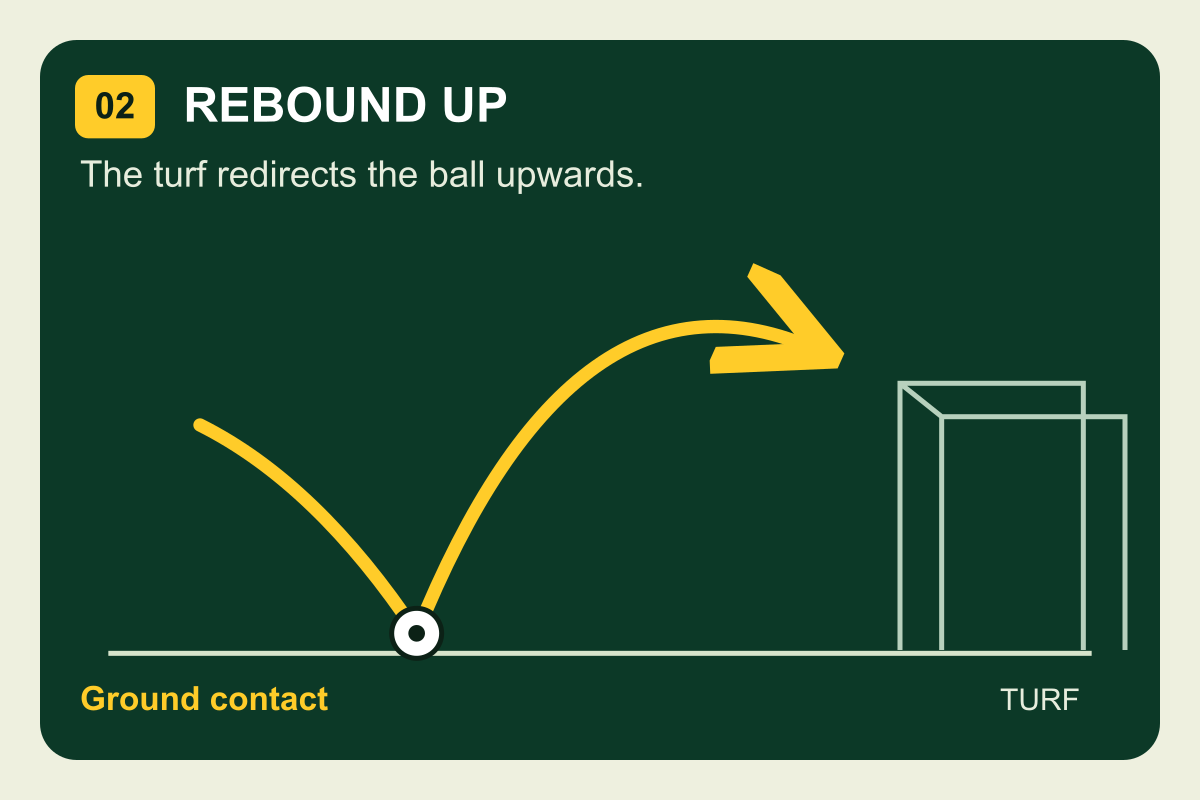
“Ozil bounce” describes a particular chop finish, while the popular goal recreation includes the keeper and recovering defenders. Use the complete sequence above if that is your target. Avoid mixing a bounce-shot instruction into the same attempt.
Q5Will a more detailed prompt guarantee the same face and goal?
No. A prompt guides the result but does not guarantee identity, ball physics or an exact match recreation. Review each output and change the most relevant input or instruction. Do not present an AI recreation as genuine footage of the person in the photo.
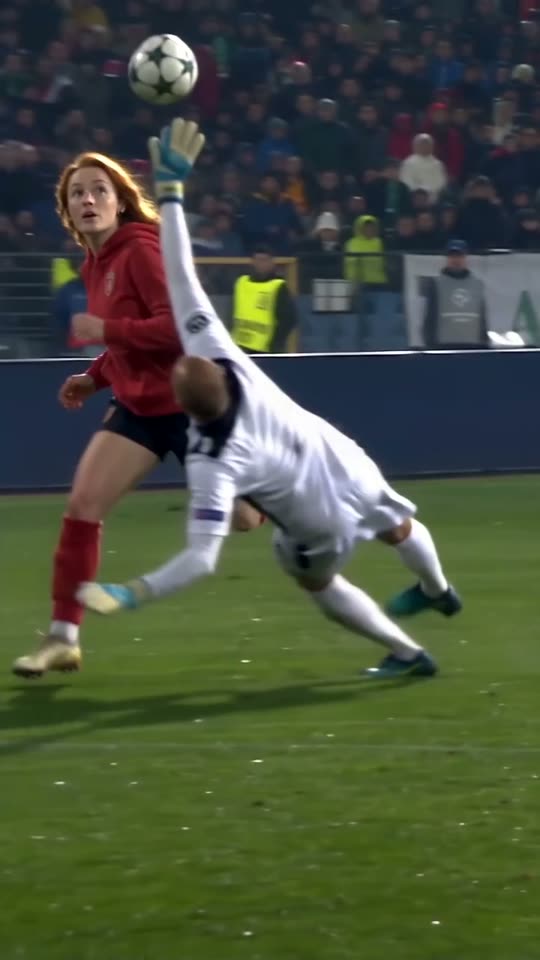
NO. 10 / YOU
Your turn on the ball
Bring one photo. Take home your own football moment.
Open the studio